Intune Device Management & Endpoint Security
Every laptop and phone enrolled, patched, encrypted and wipeable, including the personal devices your staff already use for work.
Contact Us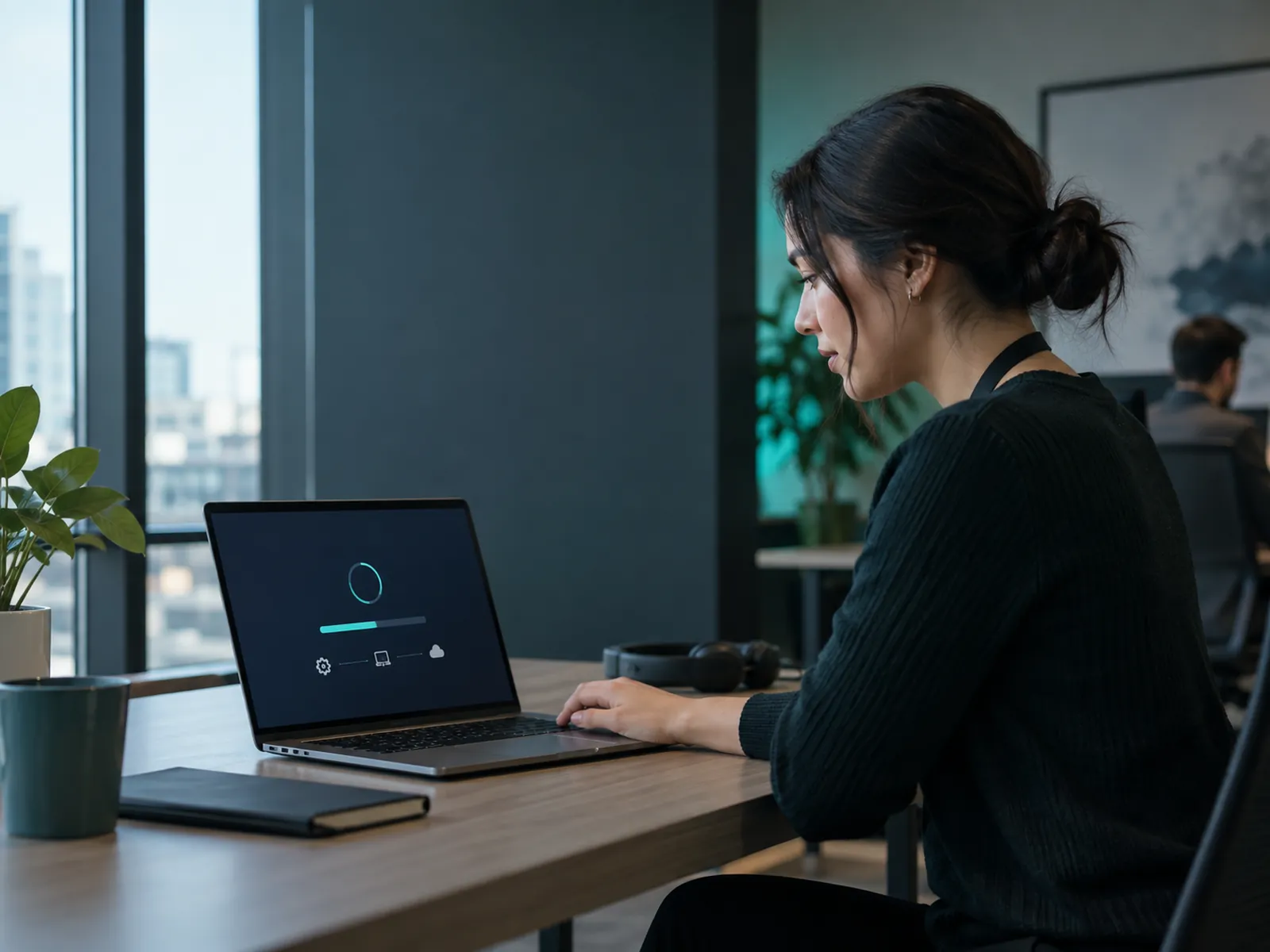
The devices you are not managing
Most companies manage their laptops to some degree and almost none manage the phones. Yet the phones hold company email, files and Teams conversations, and they get lost, sold and handed down far more often than laptops do. Intune covers both, including personal devices. App protection policies can secure company data inside Microsoft 365 apps on an employee's own phone without managing the rest of the device, so nobody has to accept their employer controlling their personal handset. That distinction is what makes a BYOD policy acceptable to staff rather than merely announced to them.
Enrolment that removes work rather than adding it
With Windows Autopilot, a new laptop is shipped straight to the employee, and on first sign-in it configures itself: policies, applications, encryption, printers, everything. No imaging, no IT person spending half a day, no waiting for a device to come into the office first. Policy then handles the ongoing part: updates applied on a schedule rather than whenever a user clicks later, disk encryption enforced with keys recoverable by you, and defined security baselines. If a device is lost, company data is wiped remotely without touching an employee's personal photos.
What it protects you from
The unglamorous incidents that actually happen: a laptop left on a train, a phone sold without being wiped, a device three years behind on updates browsing the web, a departing employee still holding company files on a personal machine. None of these are sophisticated attacks. They are the ordinary consequence of nobody being able to see or control what is out there, and they are entirely preventable with licensing most companies already hold.
What you get
Zero-touch deployment
New laptops ship straight to the employee and configure themselves on first sign-in. No imaging, no waiting.
Personal devices, properly handled
Company data secured inside Microsoft 365 apps without managing an employee's whole phone. That distinction matters.
Updates on a schedule
Applied on your terms rather than whenever a user stops clicking later. Visibility of what is actually current.
Encryption with recoverable keys
Enforced disk encryption, with recovery keys held by you rather than on a note in a drawer.
Remote wipe
Company data removed from a lost or returned device without touching personal photos and messages.
You can see what exists
An inventory of every device touching company data, including the ones nobody told IT about.
Technologies
Frequently asked questions
Can we manage devices staff own personally?
Yes, and it should be done differently from company hardware. App protection policies secure company data inside Microsoft 365 apps without giving you control of the device itself. Staff keep their privacy, you keep your data, and the policy is one people will actually accept.
Is Intune included in our licensing?
It is included in Microsoft 365 Business Premium and E3 and above. Many companies already pay for it without having deployed it. We check what you hold first.
We have laptops already in use. Do they need rebuilding?
Usually not. Existing Windows devices can be enrolled in place without a rebuild. New devices can go through Autopilot from the point of purchase, so the estate converges over time rather than needing a disruptive project.
Find out what devices are actually touching your data
Contact UsGet Free Estimation
Have a question or want to discuss a project? We'd love to hear from you. Get in touch and we'll respond as soon as possible.

Contact Information
Fill out the form and our team will get back to you within 24 hours.
Location
Serbia